A steady focus point
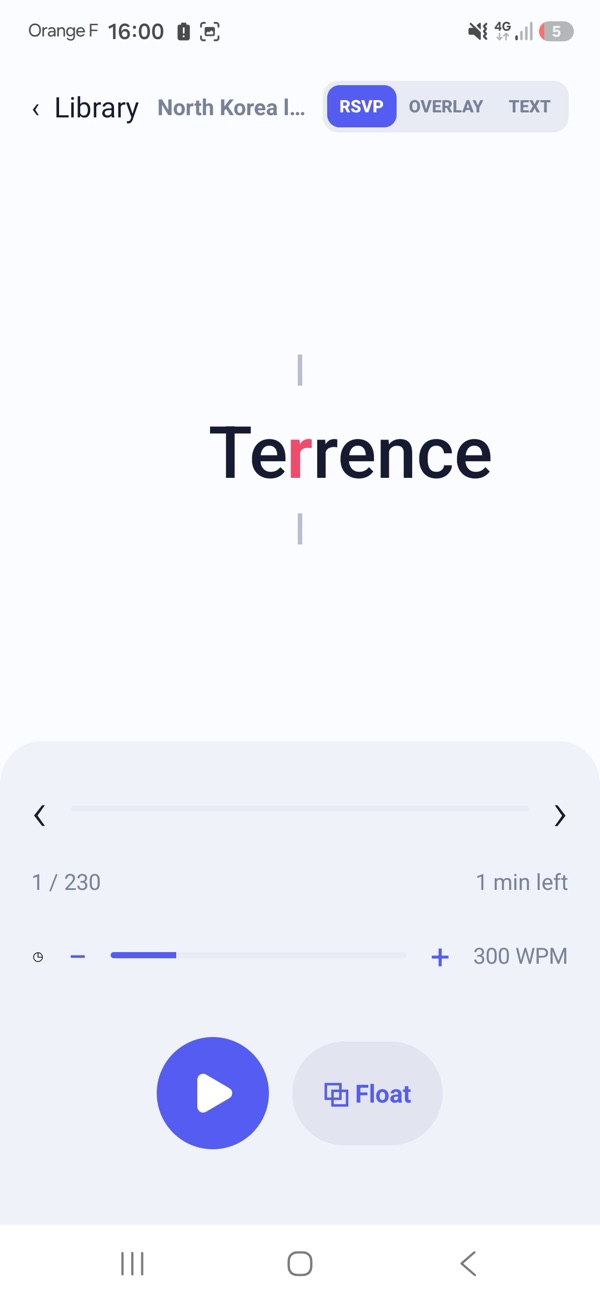
Words appear in the same place with one letter in colour, so your eyes don't have to travel across the line.
A reading app for Android
Luma Reader shows text word by word at a fixed point on the screen, so your eyes stay still and your attention stays on the story. Articles, public-domain books and your own files, at the pace you choose.
The same reading engine as the app, running in your browser.
A quick tour
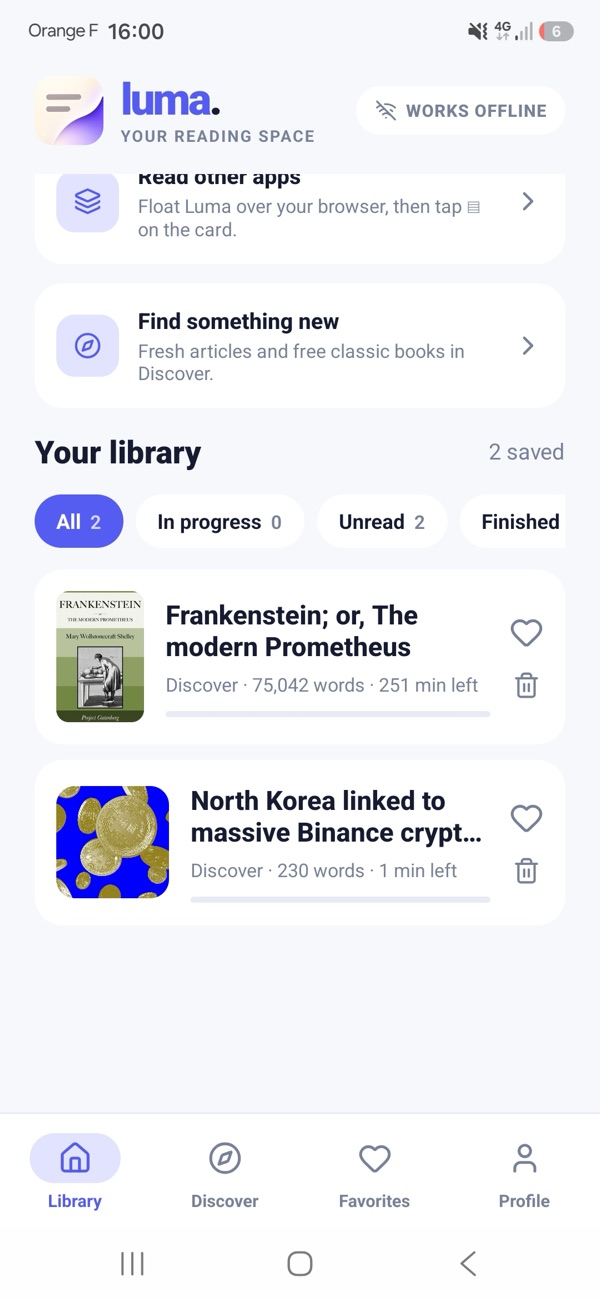
A clean reading canvas, a library that lives on your phone, and a light or dark theme for any hour.
Features
Words appear in the same place with one letter in colour, so your eyes don't have to travel across the line.
Choose from 100 to 1000 words per minute. Luma lingers at commas and sentence ends so the rhythm feels natural.
Prefer a normal page for a while? Flip to continuous text and tap any word to resume RSVP from there.
Paste text, open EPUB, TXT, HTML or Markdown files, import a web article from its link, or a text-based PDF.
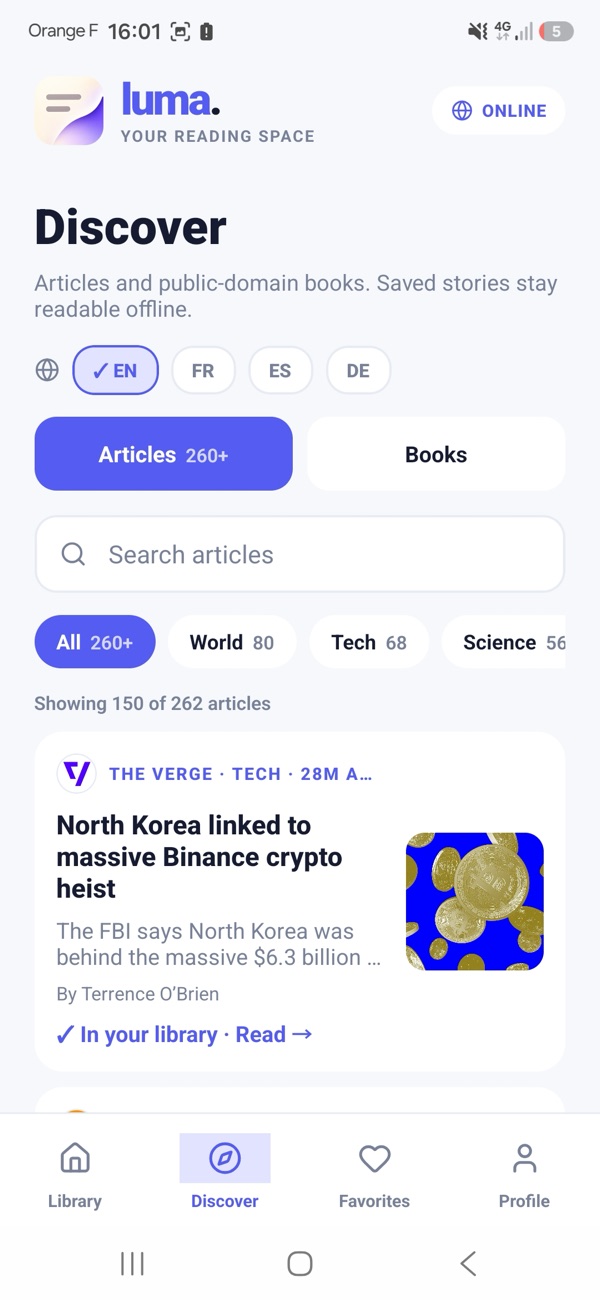
Browse thousands of public-domain classics from Project Gutenberg and news by topic, then save them for later.
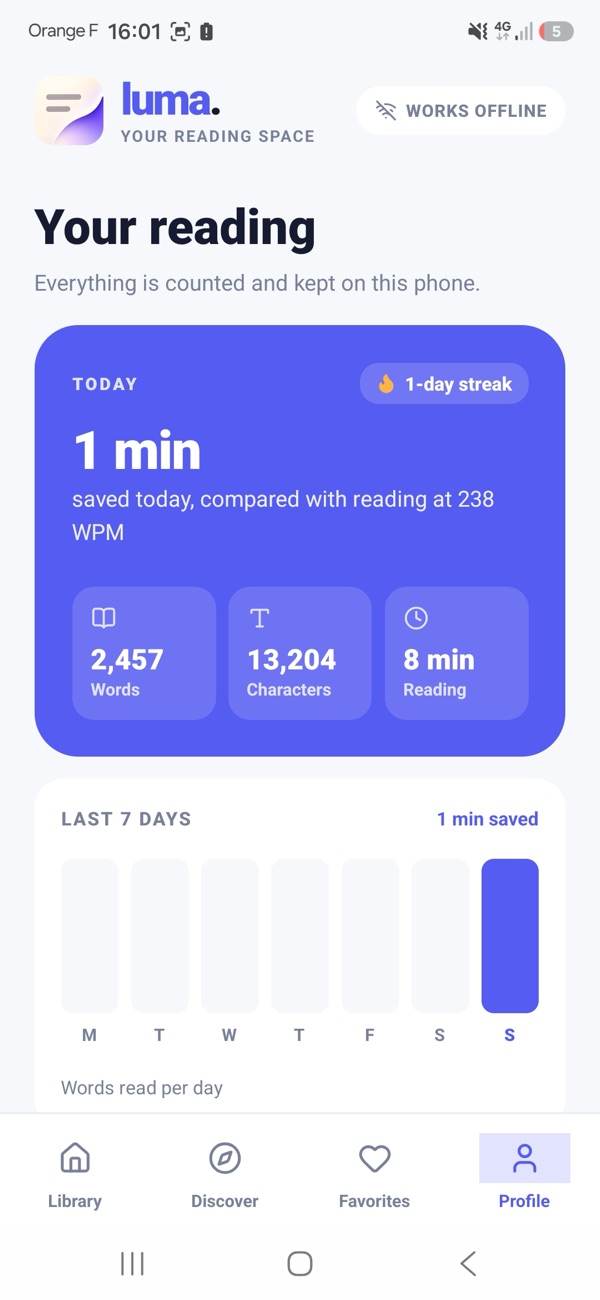
Daily words and time read, favorites, and how much time you've saved compared with reading at a typical pace.
Only on Android
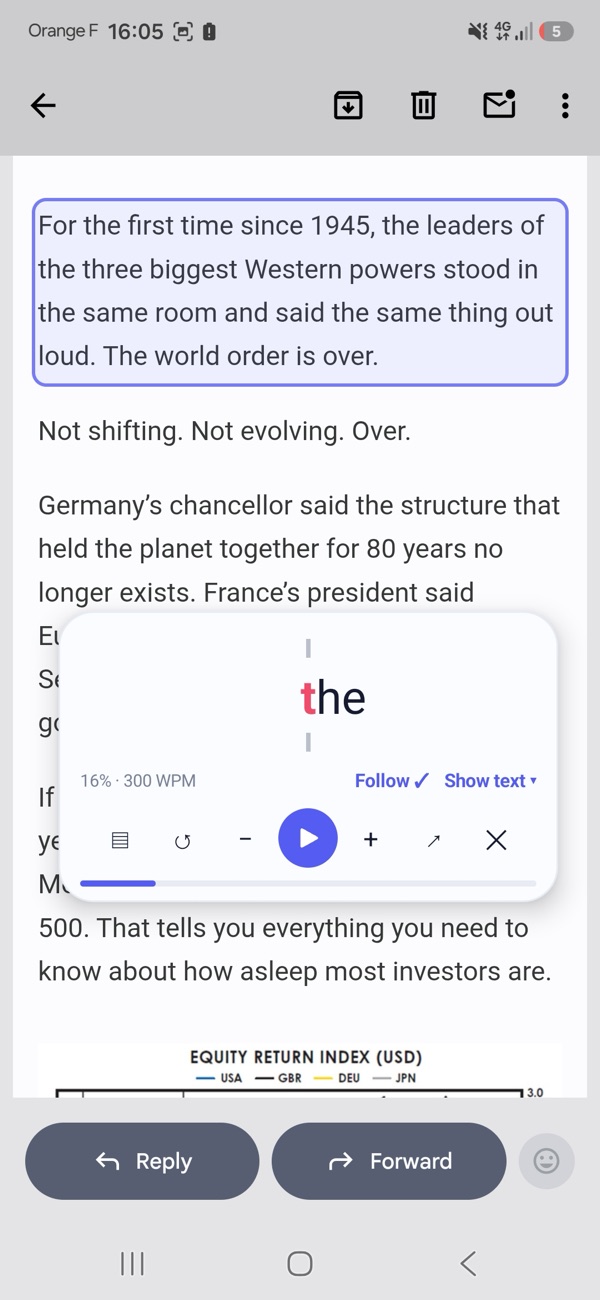
Open the floating reader from any article in your library, or point it at the article you're already looking at in another app.
Screen reading is optional. It reads only when you tap ▤, keeps the text on your phone, and asks for your agreement before you turn it on.
Privacy
Luma Reader has no accounts, no advertising and no analytics. Our server only helps when you import a link or a PDF, or browse Discover, and it doesn't keep what you send.
FAQ
RSVP stands for Rapid Serial Visual Presentation: words are shown one after another in the same spot. Because your eyes don't move along the line, many people find it easier to stay focused. Speed is up to you, and you can always switch back to normal text.
No. Install the app and start reading. Everything you save is kept on your phone.
Text you paste or copy, EPUB (without DRM), TXT, HTML and Markdown files, web articles from a link, and PDFs that contain text (scanned PDFs aren't supported). Discover also offers public-domain books from Project Gutenberg and news by topic.
Yes, for everything already in your library. Importing a link or a PDF and browsing Discover need a connection.
Yes, Luma Reader is currently free, with no ads. If paid features are ever added, their price will be shown clearly before any purchase.
Because your library is stored only on your phone, uninstalling the app deletes it. There is no cloud copy.